メイン画像用パーツ(動画・スライドショー)

メイン画像用パーツ(静止画・動画・スライドショー)

  • 土台フレームにもよりますが、一般的にはcontentsの上に置いて下さい。
  • スライドショーは、速度などの調整もお好みでできます。詳しくはcssやjsのコメントを読んで下さい。

メイン画像一覧

mainimg-image0

1枚静止画です。

html

css

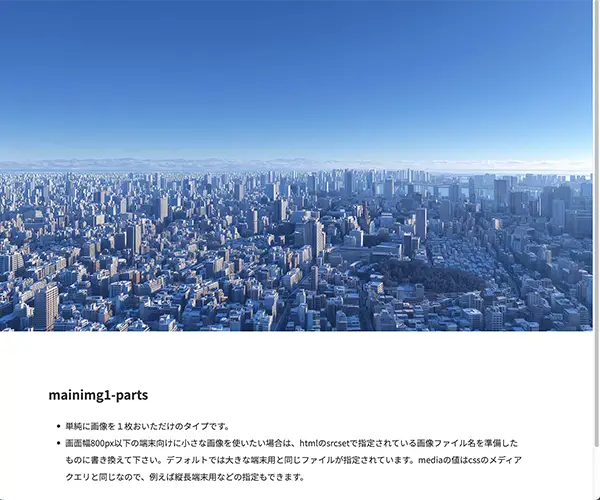
mainimg-image1

1枚静止画です。
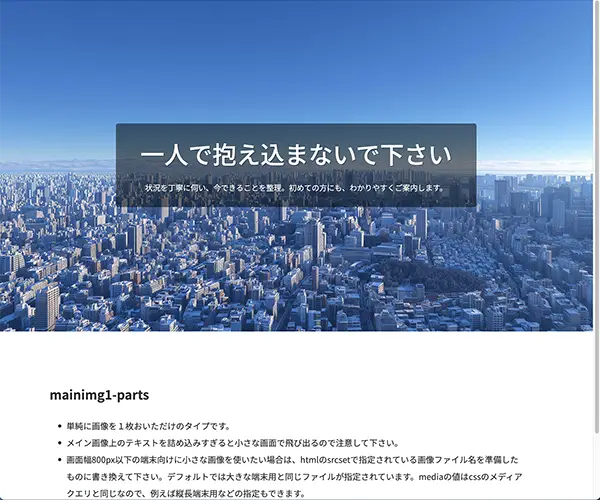
html

css

mainimg-image1-btn1

1枚静止画です。CTAボタンつき。
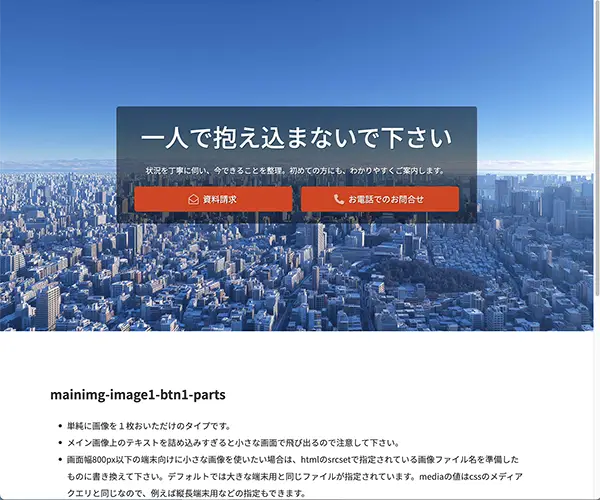
html

css

mainimg-movie1

動画タイプ。

html

css

js

mainimg-movie1-btn1

動画タイプ。CTAボタンつき。

html

css

js

mainimg-slide-mask1

SVG枠。イラレなどで作った自作のSVGコードで入れ替えも可。

html

css

js

mainimg-slide1

スライドショー。

html

css

js

mainimg-slide1-text-y

テキスト縦書きのスライドショー。

html

css

js

mainimg-slide-yoko1

横スライドショー。

html

css

js

mainimg-slide2-zoom-in

ズームイン(徐々に拡大)スライドショー。

html

css

js

mainimg-slide2-zoom-out

ズームアウト(徐々に縮小)スライドショー。

html

css

js

mainimg-image2

1枚静止画です。メイン画像は正方形ですが変更もできます。
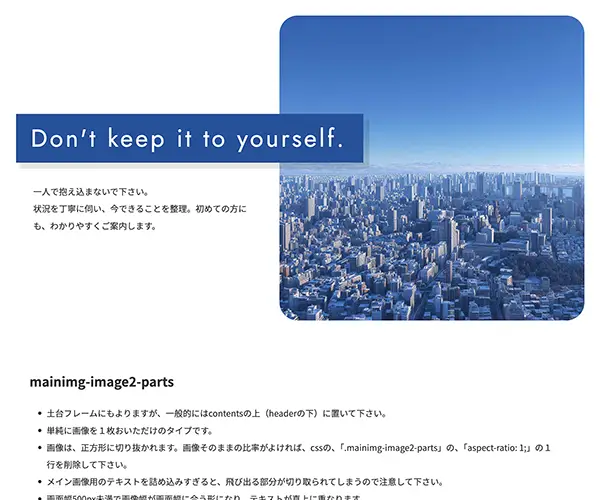
html

css

mainimg-image2-movie

動画タイプ。動画は正方形ですが変更もできます。

html

css

js

mainimg-image2-slide

スライドショー。スライドショーは正方形ですが変更もできます。

html

css

js

mainimg-image2-slide-zoom-in

ズームイン(徐々に拡大)スライドショー。スライドショーは正方形ですが変更もできます

html

css

js

mainimg-image2-slide-zoom-out

ズームアウト(徐々に縮小)スライドショー。スライドショーは正方形ですが変更もできます

html

css

js

◀︎
コンタクトの取れないお客様情報